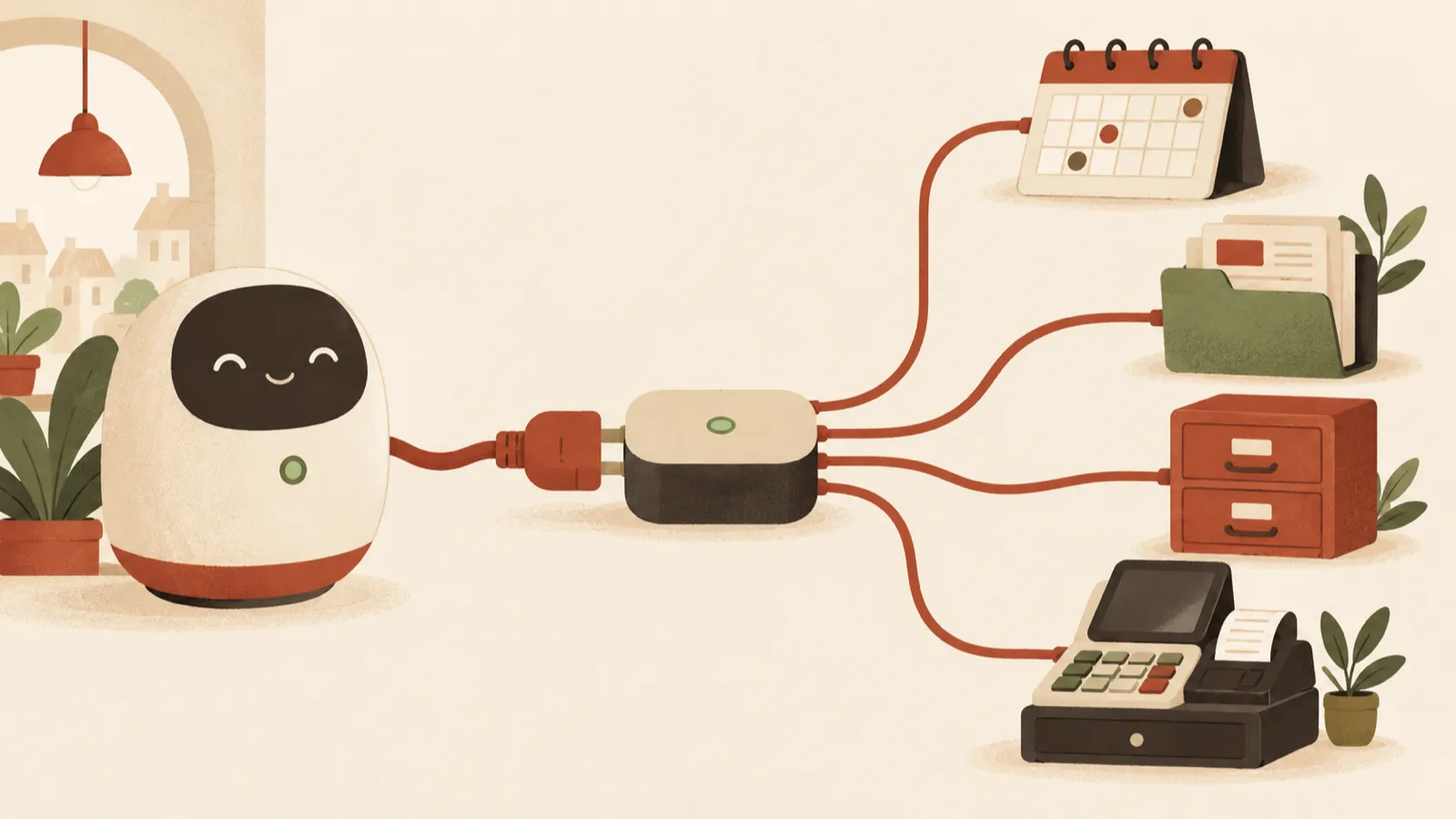
Stolen UpdraftCentral keys opened up fully updated WordPress sites. What to check, the order in which to clean up, and why every remote connection needs an inventory.
A WordPress site can have every update applied and still have an administrator nobody in the company created. That is what happened in October 2026, after the supplier of one of the most widely used backup plugins was breached. This article is for owners and managers with a WordPress site, and for whoever looks after it: what happened, what to check and what to do if you find something.
What happened
TeamUpdraft makes the UpdraftPlus backup plugin and the UpdraftCentral service, which lets an agency or administrator manage several sites from a single dashboard. On 17 and 18 October 2026, someone gained unauthorised access to teamupdraft.com. According to the company, this included its customer database, among it the connection keys for UpdraftCentral, UpdraftVault and UpdraftClone.
With those keys, the attacker sent commands to sites connected to UpdraftCentral. The commands were signed with valid keys, so the sites accepted them as legitimate. On some sites the attacker installed hidden plugins (backdoors) and created accounts with extended rights. Patchstack counted at least 99 different names for the malicious plugins, disguised as maintenance tools. BleepingComputer cites an estimate that roughly 10% of UpdraftPlus sites had an UpdraftCentral or Migrator key, around 400,000 sites potentially exposed.
TeamUpdraft states that the UpdraftPlus plugin itself and its downloads were not affected, nor were backups held in customers' own storage or self-hosted UpdraftCentral installations.
Why updating was not enough
Usually a hacked site means an old plugin with a known vulnerability, and the remedy is to update it. This time there was no vulnerability in the sites' code. The attacker held the real keys, so to WordPress the commands looked exactly like the administrator's own.
Nethemba, the firm that analysed the attack on its own sites, found that these keys do not expire. A key created years ago for a migration or a remote management dashboard stays valid until you delete it. The lesson goes beyond UpdraftCentral: every remote management connection is a key to the building. If its supplier is breached, the door opens even when the site is fully up to date.
What to check, even if you do not use UpdraftCentral
Whoever manages the site should run these checks directly in the WordPress dashboard, not through UpdraftCentral:
- UpdraftPlus version: it should be 1.26.13 (free) or 2.26.13 (Premium) or later. Nethemba found that version 1.26.12/2.26.12 was meant to delete the keys but did not, because of a bug.
- UpdraftCentral keys: under Settings → UpdraftPlus → Advanced Tools → UpdraftCentral. Any key listed there means the site can receive remote commands. Nethemba shows that the update only removes keys created before 12:07 UTC on 18 October. Keys created that same day between 12:07 and 21:00 UTC must be deleted by hand.
- Plugins: look for plugins you do not recognise, including the Must-Use tab if it appears. Patchstack describes a clear marker: the description "Small maintenance toolkit: keeps option storage tidy." The names vary, for example "Site Health Cache", "Speed Kit" or "Static Lab".
- Users: look for accounts you did not create, especially with the Editor role. Patchstack found accounts that look like Editors but can also install plugins and change settings, with names made of two words and two digits and email addresses at example.org.
- Database: someone with technical access can look for an option whose name ends in _sync_token, which Patchstack links to these backdoors.
- Server logs: unusual requests to the site's home address, with parameters you do not recognise, from 17 October onwards.
Note that Nethemba also documented a backdoor variant that creates no new account and instead logs in as an existing administrator. A clean user list does not, on its own, prove the site is clean.
What to do if you find something
The order matters. Patchstack and Nethemba recommend:
- Delete the UpdraftCentral key first. Otherwise the attacker can install another backdoor while you are removing the first one.
- Do not delete the suspicious plugin from the WordPress dashboard. Deactivate it and move its folder outside the site. Patchstack warns that its uninstall routine erases its traces.
- Do not try to "fix" its file. Some variants contain an error that stops them working, and fixing it activates them.
- Remove the unknown account and the _sync_token option. The account remains after the plugin is gone.
- Change every administrator password, end all sessions and turn on two-factor authentication.
- If the backdoor was used, treat the site as fully compromised. Restore from a backup taken before 17 October, as TeamUpdraft recommends, and compare the files with a clean installation.
- Change the keys for the storage that holds your backups, if the site was managed through UpdraftCentral, and re-authorise the connection.
If you have an account on teamupdraft.com, change that password too, and the password on any other service where you reused it. TeamUpdraft also recommends resetting two-factor authentication.
What still holds after this incident
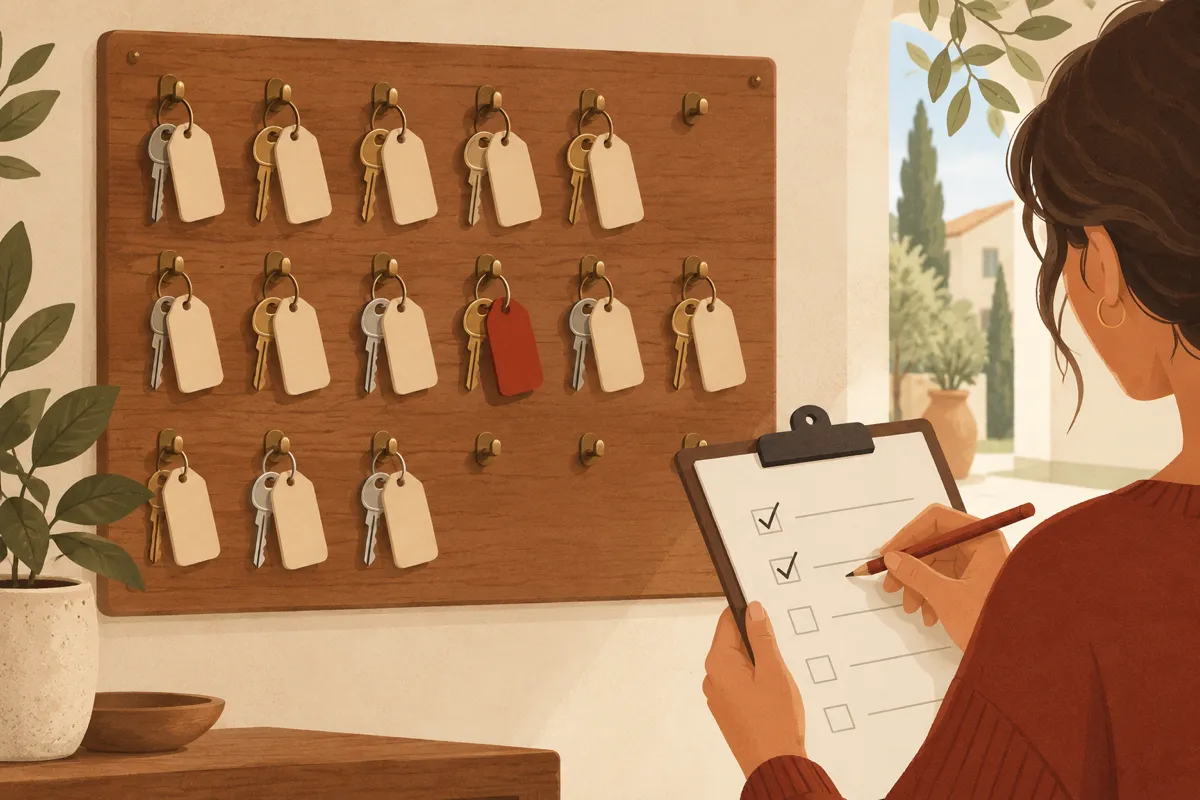
UpdraftPlus is a good plugin and there is no reason to give up backups. There is every reason to treat remote access as something to inventory and review regularly:
- An inventory of connections. List the services that can send commands to the site from outside: UpdraftCentral, ManageWP, MainWP, Jetpack, migration plugins, agency accounts. Disconnect whatever you no longer use and delete its key.
- Least privilege. Nethemba observed that on one site the attack failed because the user who had created the connection was not allowed to install plugins. A key tied to an account with limited rights does less damage.
- Two-factor authentication for every administrator and for your accounts with service providers.
- Tested backups, kept away from the site and restored as a trial from time to time. A backup you have never tried is not yet a plan.
- Someone who follows security advisories. The incident was public within days, but each site still had to be checked by someone.
In short
- Update UpdraftPlus to 1.26.13 or 2.26.13 or later.
- Delete every UpdraftCentral key by hand on each site.
- Look for unknown plugins and users, including Editors with unusual rights.
- If you find something, follow the order: key, plugin moved, account, passwords, restore.
- Inventory every remote management connection and keep only what you use.
At ME Digital we run checks like these as part of our security and updates services: we look for forgotten remote connections, accounts with unusual rights and signs of compromise, then clean up and document what we found. If you would like us to look at your site, get in touch.